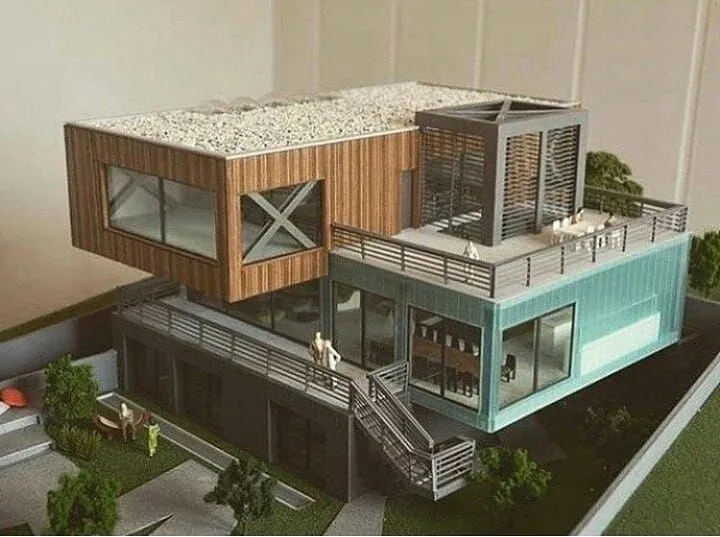
Are you going to start a construction project, and you want detailed planning with real-world virtual representations? In this case, architectural models play a vital role. 3D models represent structural layouts, elevations, MEP details, and floor plans that enable contractors and engineers to view the entire project architecture and understand each detail before the first brick is laid on site.
If you are a beginner and want to learn more about 3D architectural models, then keep reading our blog. We have discussed everything step by step, from concept to final rendering, below. Are you excited to get started? Let’s get a detailed overview of building architectural models.
What Is 3D Architectural Modeling And Why Is It Important?
3D architectural models digitally display each phase, such as structure, construction, and MEP. This helps in in-depth design analysis and quick detection of conflicts. It also allows you to add any new specifications to the models if stakeholders want. It shows not only width and height but also depth, so that project members can confidently begin construction work with complete satisfaction.
The question is, why is a 3D architectural model essential to achieving success within budget and timeline? 3D models help you avoid delays, additional costs, installation errors, and miscommunication. When all members receive the same documents, it not only streamlines collaboration and the process from start to finish without compromising on quality, but also saves time and money.
Benefits of 3D Architectural Models
3D models refine the initial designs and present detailed information that serves as a guidebook for the construction process. Let’s have a brief overview of the core benefits of 3D architectural plans.
Enhanced Design Visualization
3D architectural models give you a complete picture of the project such as interior, structure, architecture, furniture layout, and MEP coordination. You can change any design if needed to make the design more accurate and functional. It enables you to choose the best quality materials, lights, and decorations that enhance the beauty of the spaces. It also helps in choosing the direction of the stairs according to the needs of the space. All this clarity increases your confidence to start the work and ensure satisfactory results.
Early Error Detection And Clash Resolution
If you want to achieve the best building within budget without compromising on quality, it is essential to clear all the issues and risk factors in the models. For this, 3D architectural models play a big role. It allows you to walk through the design and detect clashes so that they can be resolved promptly with insightful solutions. Otherwise, it leads to delays and over-budget.
Improved Collaboration
3D models are delivered in cloud-based software like Autodesk Forma and Revit that connect project members such as engineers, contractors, and architects. If there are changes or new details added to the design, everyone is automatically notified. This strengthens collaboration and increases communication.
Time And Cost Efficiency
Through visualization of 3D models, contractors can capture potential delay factors and adopt the best solutions to eliminate them from the project process. When you get an accurate material estimate and have our guidance to install components, you can avoid overspending and wastage of material.
Faster Project Approval From Clients
When clients receive models as they envisioned the design, it is easier for them to finalize the models quickly. They can analyze the design from every angle to understand the structural, interior and architectural requirements and building codes. This clarity enables the client to give immediate approval without any confusion once they are completely satisfied with the final look of the project.
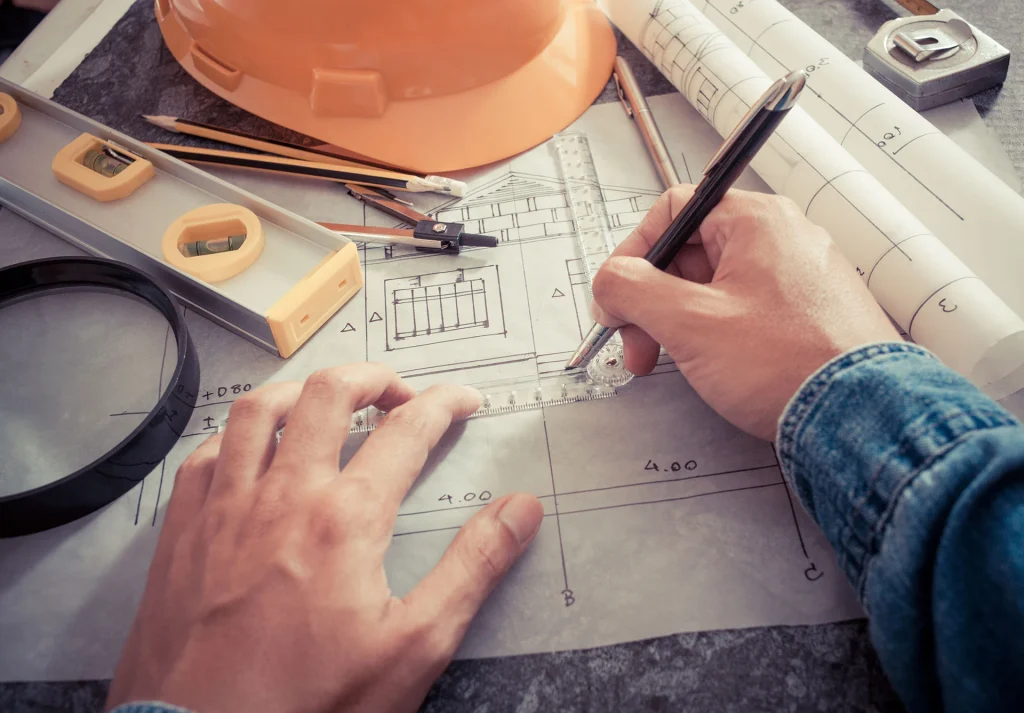
What Is Included In 3D Architectural Models?
- Walls and Partitions
- Roofs and Slabs
- Furniture directions
- Lighting Setup
- Doors and Window Frames
- Floors and Ceilings
- Staircases and Ramps
- HVAC Components
- Plumbing and Electrical Layouts
- Color Schemes
What Type Of Tools And Software Should Be Chosen?
Each type of project requires different software. You have to analyze what software you need as per your project size and complications. Choosing the right software saves your time and money.
Blender
It is popular for quick design changes. It is used to create technical drawings and photorealistic visualizations.
SketchUp
It helps show floor plans, roofs, walls, and window sizes in real-world dimensions. It also assists in installing every component in the right way.
Rhino 3D
It helps in creating models of complex projects that have curved walls and unique roof designs. It also follows rules and algorithms to maintain efficiency in structure and architecture.
How To Create 3D Architectural Models?
Below, we explained the creation of 3D architectural models step-by-step.
Analyze Your Requirement And LOD
Purpose and LOD definition a key elements of the model foundation, as conceptual design or construction documentation is needed to help the client understand the project. Second, models can be easily created at the required LOD 100 to 500 to illustrate all project phases.
Gather And Organize Reference Data
The next step is to gather project-related data such as architectural plans, inspiration images, and accurate measurements. All of this helps to bring expected results and accuracy to the models. Make sure that all the details are present in the models to avoid unexpected costs, rework, and defects.
Create Comprehensive, Detailed Models
- Start creating models from floor plans and divide the building into accurate sizes with walls.
- Create MEP systems in the design to demonstrate how they will work together.
- Then add openings such as windows and doors to the drawn walls. Also, sketch the stairs and roof in design 3D geometrically.
- To provide a complete look for the project, exterior design, such as lawns and garages, and interior design, such as furniture arrangement and lighting adjustments, are included.
- Use metal, wood, and glass effects according to contractors’ demands.
Clash Detection And Resolution
After you create the model, identify issues and conflicts in it before you start construction. You can use new software to identify even the smallest risk factors. If any errors are left in the architecture, structure, and MEP, it can lead to costly errors and additional costs. To maintain project efficiency and smoothness, create insightful strategies for dealing with conflicts.
Quality Control And Handover
The final step is to quality-check the models and ensure their accuracy, as well as whether they meet the project’s unique demands and construction requirements. Also, check for code compliance, which is necessary to start construction and for a smooth process. It is then ready to be provided to the client for use in construction.
Don’t Make These Mistakes
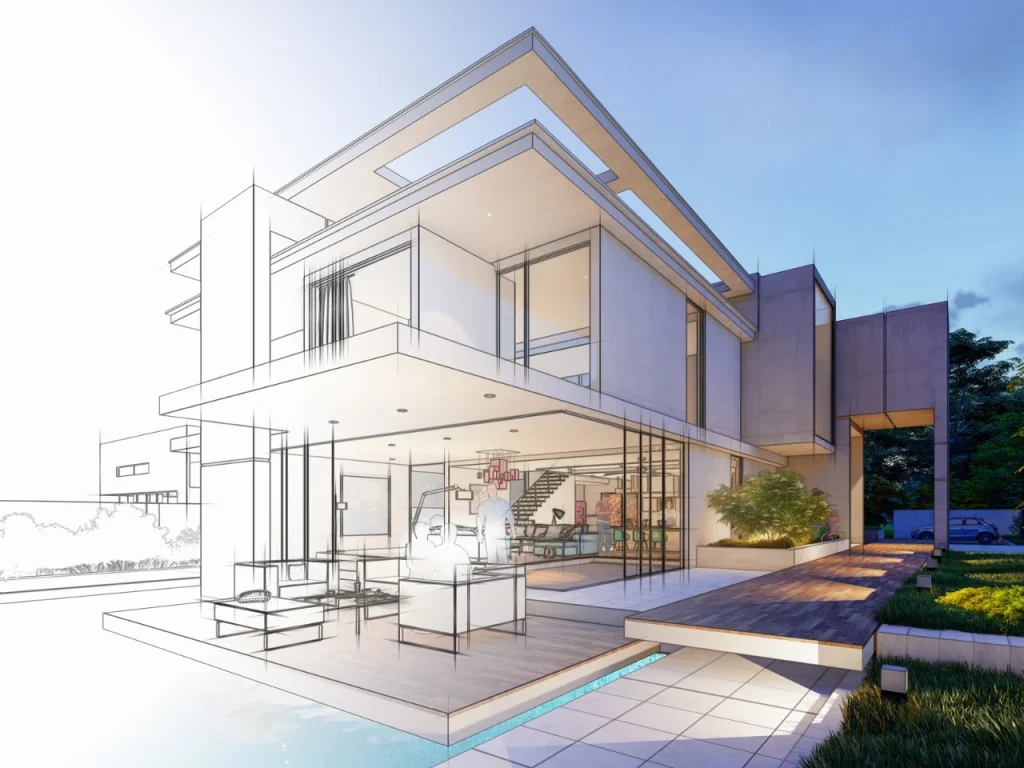
3D Architectural Models are a tool that helps you to be satisfied with the design and build confidence to start construction. Through it, you can see the design in depth and detect conflicts before placing the first brick on the site. You can also prepare yourself for unexpected situations with strategic solutions. Pre-conception enhances your decision-making ability to achieve the desired and expected results. Furthermore, if you start modeling after adopting the best software and understanding the project details, you can create a high-level model.
The benefits of a 3D plan are many, and they can make your project a success. However, the creation of 3D architectural models requires accuracy. The following are a few points that can ruin your 3D models and lead towards errors.
- Neglecting initial planning, such as determining what types of models are needed for your project.
- Prefering transparent communication to avoid misunderstandings.
- Paying attention to even the smallest details of the structure and MEP system.
- Always focus on accuracy and authenticity.
Therefore, always keep in mind these points and carefully integrate the information for an error-free model.
DIY Architectural Models or Professional Help?
If you have sound knowledge of the latest software, then you can create 3D models by yourself, but if you do not know the usage of tools and software, then it is best to take professional help. You must outsource it to a professional company which has many years of experience, knows the regulatory codes and can give you a supportive environment for smoother construction execution. Many freelancers, BIM companies provide these services in different states. If you are also looking for the one, you can contact us.
At BIM Modeling, we have top professionals from different states and hand over your project to an expert from your local community so that they can communicate with you better and provide you with an architectural plan which aligns with local regulations and the architectural preferences of residents. So, contact us right now to book a meeting.
Need Professional Help for 3D Architectural Models?
Contact UsFAQs
Why are 3D architectural models essential to achieving success?
It helps you visualize the project in advance to avoid wrong decisions and installation errors during the process. It helps to avoid missteps and costly mistakes. It also supports achieving higher profits and expected results while staying on track.
What software should be adopted as beginners?
There are many software but Autodesk, Revit, and Blender are the best for beginners.
How does clash detection impact the process?
When you detect conflicts in the structure, architecture, and MEP, the project can run smoothly and efficiently without errors and costly mistakes. This also leads to greater profitability.
What documents are required to start 3D modeling?
To start creating 3D architectural models, you require the project main documents, like 2D drawings, structural data, architectural plans, MEP designs, and project specifications.
